
What Does Airplane Mode Do? A Complete Guide to Flight Mode
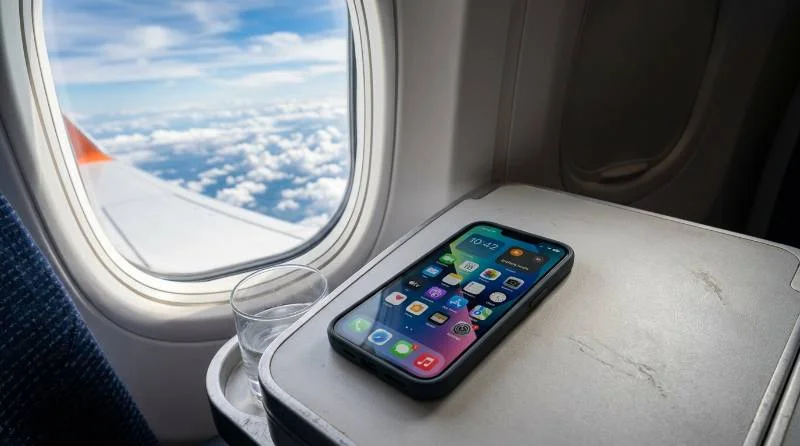
Every flight attendant says the same line before takeoff: switch your phone to airplane mode. Most passengers tap the toggle without knowing what does airplane mode do to their device, or why airlines insist on it. The short answer is that airplane mode shuts off every radio your phone uses to send or receive a signal. It cuts cellular, Wi-Fi, Bluetooth, and GPS all at once. The longer answer involves decades of aviation regulation and some real engineering concerns. It also includes a handful of everyday uses that have nothing to do with flying.
What Does Airplane Mode Actually Turn Off?
Flipping the switch does more than silence your phone. It stops active communication on the frequencies used by four separate systems, and each one behaves a little differently once it’s off.
1: Cellular Radio and Mobile Data
The cellular radio is the first thing airplane mode disables. This is the antenna your phone uses to call, text, and pull mobile data from a nearby tower. Once it’s off, your carrier has no way to reach your device. Calls go straight to voicemail, and texts queue up until you land. This is also why your phone stops draining battery searching for a signal at cruising altitude. There is nothing up there for it to find anyway.
2: Wi-Fi and Bluetooth
Airplane mode also switches off Wi-Fi and Bluetooth. Most phones let you turn them back on separately once the main switch is flipped. That is exactly how in-flight Wi-Fi works, connecting through a satellite or ground antenna instead of your carrier. The same logic applies to Bluetooth. Wireless earbuds and headphones stay paired and working. Bluetooth runs at low power over a short range that airlines treat as safe.
3: GPS and Location Services
GPS causes the most confusion, because it technically only receives signals from satellites rather than transmitting anything back. Even so, most phones disable GPS along with everything else when airplane mode is on. This is largely a blanket precaution, not a strict technical necessity. Some Android phones let you re-enable location services independently, which is useful for offline maps mid-flight. On an iPhone, GPS typically stays off unless you separately toggle Wi-Fi back on. Even when GPS is re-enabled, it can be slower to get a fix. Many phones rely on assisted GPS, which uses cell towers to speed up the initial lookup. Without that assist, the phone falls back on the raw satellite signal, which takes longer to lock in.
Why Airplane Mode Exists
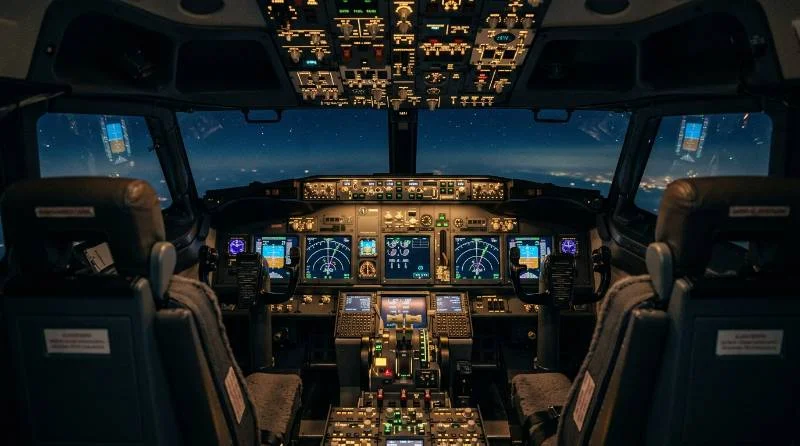
The rule traces back to 1991, when the FCC banned cell phone use on aircraft. Regulators worried that radio signals could interfere with a plane’s navigation and communication equipment. Aircraft electronics at the time had far less shielding than they do now. Regulators also had no reliable way to test every device against every aircraft model. Airlines adopted airplane mode as the simplest fix. Rather than test each phone individually, they required all wireless transmissions off for the entire flight. Modern aircraft carry much better shielding, and testing has found no confirmed case of a phone causing a crash. Even so, the FAA and EASA keep the requirement in place. Part of the reason is caution. Part of it is that one consistent global rule is easier to enforce than rules that change by aircraft type or airline.
Why Some Airlines Let You Call Anyway
A growing number of international carriers now advertise in-flight calling, which seems to contradict the airplane mode rule. The trick is a small onboard base station called a picocell, installed in the cabin ceiling. It talks to nearby phones at extremely low power, well below what a phone would use hunting for a distant ground tower. The picocell then relays that traffic through the plane’s satellite connection instead of a direct cellular link. Passengers still need airplane mode off, then Wi-Fi or the airline’s cellular service on. The phone itself never transmits at the higher power a normal tower connection requires. This is why the feature only appears on aircraft fitted with the right equipment, not as a universal option.
What You Can Still Do in Airplane Mode
Turning off wireless radios does not turn off your phone. Downloaded movies, offline playlists, saved e-books, and any app that does not need a live connection keep working as before. Cameras, calculators, alarms, and note-taking apps run independently of your cellular or Wi-Fi radio. A long flight without service is not a blank screen for hours. Games that skip multiplayer syncing also work fine. The only real change involves anything requiring a live handshake with a server, like sending a message. That pauses until you reconnect after landing or through the plane’s own Wi-Fi.
Airplane Mode Benefits Beyond Flying
Airplane mode earns its place outside the cabin too, for a handful of practical reasons that have nothing to do with regulations.
Extending Battery Life
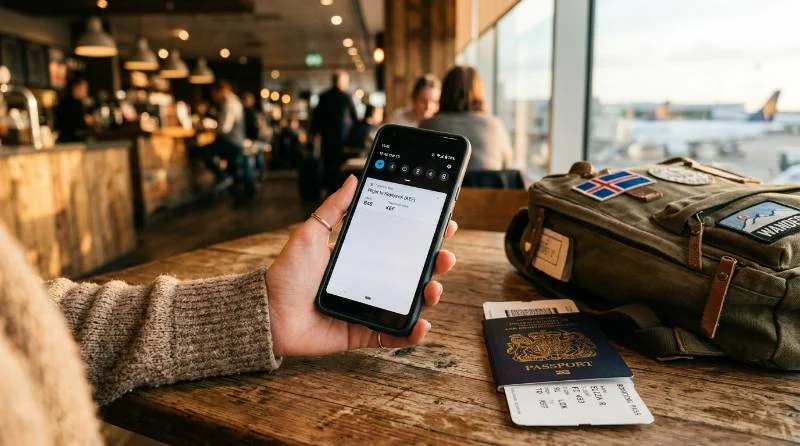
Searching for a weak signal is one of the most power-hungry things a phone does. The radio keeps boosting its output trying to find a tower. In a basement, a rural area, or a concrete building with poor reception, switching to airplane mode stops that search entirely. It is a genuinely useful trick when your battery is low. You still need the phone for something offline, like a boarding pass or a saved map.
Avoiding Data Roaming Charges
International roaming charges can add up fast. The moment you land in a new country, your phone connects to a foreign network automatically. Switching to airplane mode the second you touch down prevents accidental data use. Reconnect only to Wi-Fi until you have a local SIM or an eSIM plan sorted out. It is a simple habit that has saved plenty of travelers from an unpleasant bill.
Reducing Distractions
Airplane mode works as a low-effort focus tool outside of travel too. Turning it on during deep work, a workout, or family time blocks calls, texts, and notifications in one motion. There’s no need to mute each app individually. It is a blunter tool than a proper do-not-disturb schedule. It is also faster to set up and impossible to leave half-configured by accident.
A Quick Fix for Connectivity Glitches
Toggling airplane mode on and then off forces your phone to fully disconnect and reconnect to cellular and Wi-Fi networks. This fixes many minor connectivity problems, like a phone stuck on a weak tower. It also helps an app that has lost its connection. It is often faster than restarting the entire device and worth trying before anything more drastic.
The Downsides of Airplane Mode
Airplane mode has real trade-offs worth knowing before you rely on it too heavily. Incoming calls and texts do not queue up the way voicemail does. Anyone trying to reach you gets a message that your phone is unreachable, not a delayed notification. One-time passcodes sent by text for banking or two-factor login will not arrive until you reconnect, which can stall a transaction. Location-sharing apps that family members use to track your travel also stop updating, which can cause unnecessary worry. Offline maps still work, but live traffic, rerouting, and turn-by-turn voice guidance built on real-time data usually do not. None of this makes airplane mode a bad feature. It simply means you should not leave it on by default while you are expecting someone to reach you.
How to Turn On Airplane Mode
The exact steps differ slightly by device, though the underlying toggle works the same way everywhere.
1: iPhone and iPad
Open Control Center by swiping down from the top-right corner, or up from the bottom on older models with a Home button. Tap the airplane icon to switch it on. You can also go to Settings and toggle Airplane Mode from the top of the list. This helps if Control Center has been customized.
2: Android Phones
Swipe down from the top of the screen to open the quick settings panel and tap the airplane icon. On most Android skins, a second swipe down reveals more toggles if it is not visible right away. Alternatively, go to Settings, then Network and Internet, and switch on Airplane Mode from there.
3: Windows Laptops
Click the network icon in the taskbar and select the airplane mode toggle from the quick settings panel. Many laptop keyboards also have a dedicated airplane mode key, marked with a small plane icon. It is often combined with the Fn key.
4: MacBook
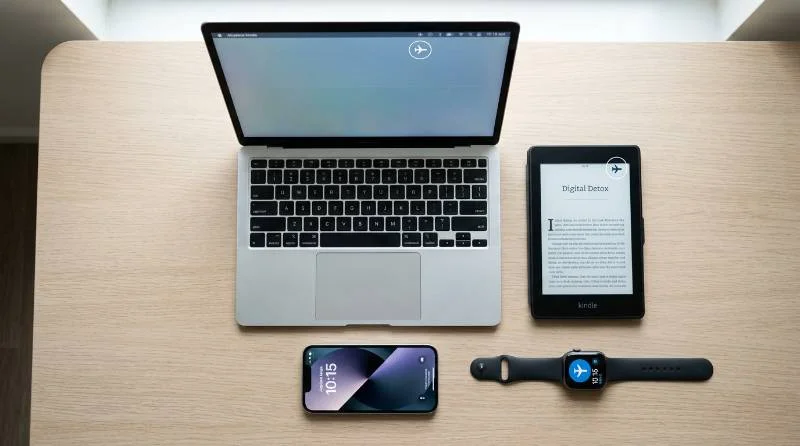
Click the Control Center icon in the menu bar, then switch off Wi-Fi and Bluetooth manually. MacBooks do not have one unified airplane mode switch like phones do. Turning off both achieves the same practical result for flight compliance.
5: Apple Watch, Kindles, and Other Devices
Apple Watch has its own airplane mode toggle in Control Center, separate from the paired iPhone. Kindles and other e-readers list it under wireless settings, usually alongside the Wi-Fi controls. Most tablets follow the same pattern as phones, with a quick-access toggle in the notification shade or Control Center.
Common Airplane Mode Questions
1: Can You Use Wi-Fi While in Airplane Mode?
Yes. Airplane mode disables cellular and Bluetooth first, but almost every phone and laptop lets you switch Wi-Fi back on separately. This is exactly how in-flight internet works. It is also useful at home if you want to block calls and texts while still browsing the web.
2: Can You Make Emergency Calls in Airplane Mode?
In many countries, phones are designed to allow emergency calls even while airplane mode is active. Emergency communication is treated as a safety exception to the no-signal rule. This is not guaranteed everywhere, since it depends on local regulations and carrier support. Never assume it as a reliable backup in a genuine emergency.
3: Does Airplane Mode Actually Charge Your Phone Faster?
Slightly, yes. With the cellular, Wi-Fi, and Bluetooth radios off, the phone draws less power overall. That leaves a bit more charging capacity for the battery itself. The difference is usually a few extra minutes over a full charge cycle, noticeable but not dramatic.
4: Is Airplane Mode Legally Required on Flights?
Most countries require passengers to switch to airplane mode or fully power off devices during a flight. Crew members can enforce this rule. Refusing to comply can result in a fine or removal from the flight in some jurisdictions. The technical risk from one uncompliant phone is now considered very low.
5: Does Airplane Mode Affect eSIM or Dual SIM Phones?
Airplane mode disables both a physical SIM and an eSIM at the same time. It works at the radio level, not the SIM level. Reactivating just one SIM afterward, and leaving the second off, requires managing that separately. Use your phone’s SIM settings once airplane mode is switched off again.
Airplane mode looks like a single switch, but it is really four different systems responding to one command. Understanding what does airplane mode do makes it easier to use well. That might mean complying with a flight crew, saving battery on a hike, or dodging a roaming bill somewhere new.